





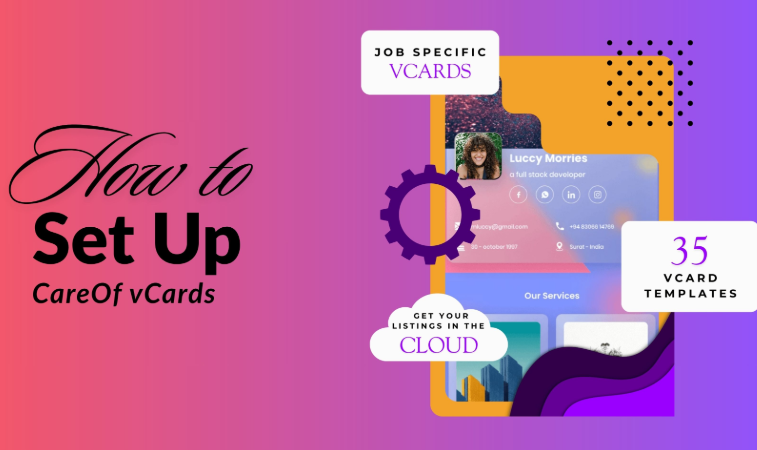
Below are the steps to set up your careof vCards.
Login to the dashboard of careof.in
vCards:
Next open vCards and click on New vCard
The first thing you will be asked is to add your url alias, this can be a company name, your name, a combination or anything you choose to have.
Next is the vCard name, which is for your organising purpose so you can distinguish from different cards depending on your kind of work.
Enter your profile description, seen on the main top part of your contact card. You may even generate your description using AI, simply add your open ai API key along with the model name, for example model - gpt-4o-2024-08-06.
In Personal details you may choose to add whatever details you please. Adding your First name and Surname are compulsory, however anything else, is optional, you can restrict your information to simply your email, website, etc.
In other configurations you may choose all or select as we have done.
You can choose from multiple vCard templates, we have more than 35 professionally designed options for you to choose from.
Settings:
Once done with the vCard creation, do head on over to 'Settings'.
Here you need to choose how your card is received by your network, as follows:
Enable Attachment for Inquiry:On
Ask Details before downloading Contact:Off (Keep this off so recipients can save your info quickly without extra steps.)
Email Send to Customer When Product Purchased:On
Email Send to Admin When Product Purchased:On/Off optional
Enable PWA:On/Off optional (Downloads your vCard on the users mobile phone in the form of a progressive web app.)
Payment Configuration:
Add your keys and activate multiple payment gateways.
Open AI:
Add your api key and model name such as: gpt-4o-2024-08-06